Sign PDF Online – Add Your Signature Securely in Seconds
No printing, no scanning, no software to install. A review of signing PDFs directly in the browser.
Sign PDF Online — Fast, Secure & No Installation Required
Need to sign PDF online without printing, scanning, or installing software? PDFSpace editor is a browser-based tool that allows adding a signature instantly — directly in the browser.
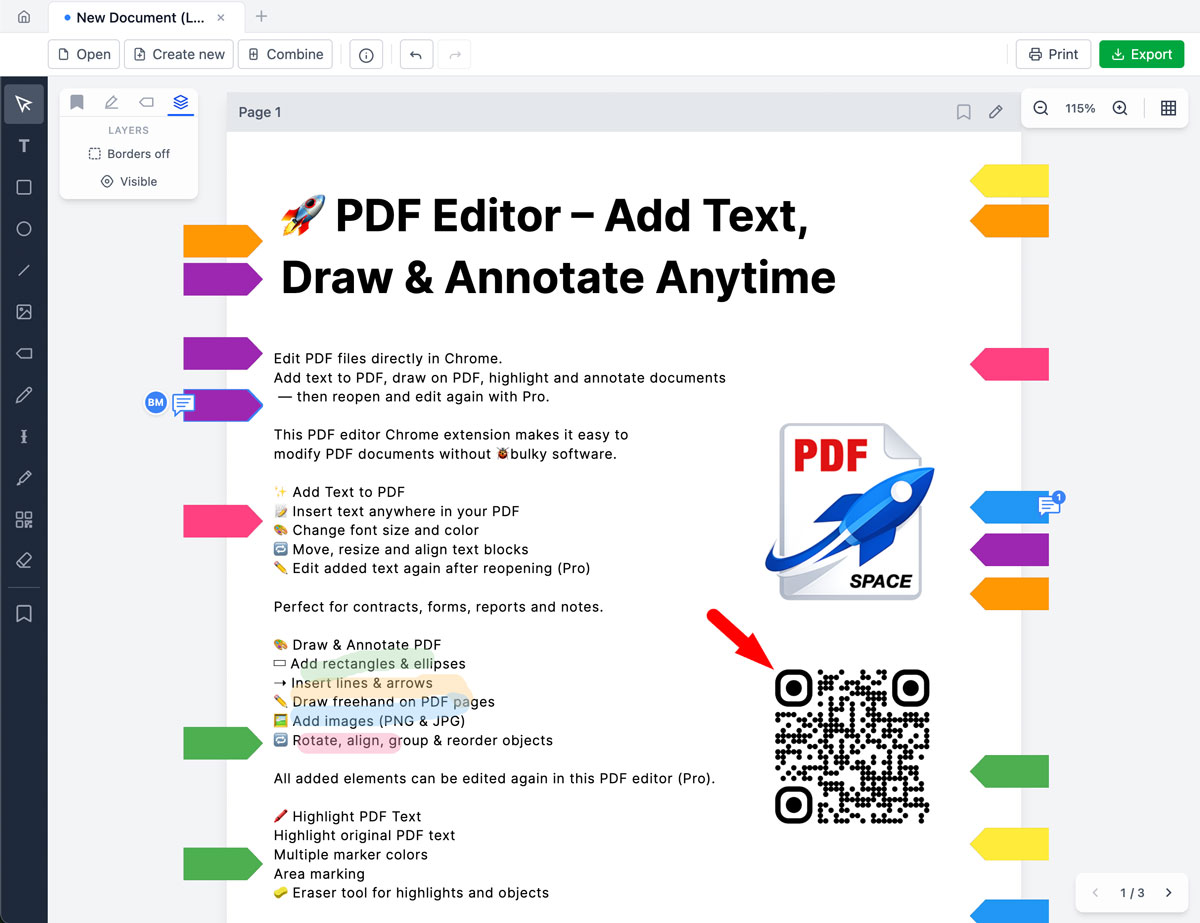
- Draw a signature with mouse or trackpad
- Create a clean handwritten signature
- Add a text-based signature if needed
- Place the signature anywhere in the document
- 100% private — processed locally
- Export the signed PDF immediately
No accounts required. No file uploads to unknown servers.
Why Sign PDF Online Instead of Printing?
The old way:
- Print document
- Sign by hand
- Scan again
- Email back
The smarter way:
- Open PDF
- Add signature
- Export
Done in under a minute.
Simple & Professional Signing Tools
Draw a Signature
The freehand drawing tool creates a natural handwritten signature using a mouse or trackpad.
- Smooth drawing
- Adjustable size
- Move and reposition freely
- Resize anytime
Type a Name
For those who prefer a clean, text-based signature:
- Add text signature
- Adjust font size
- Change color
- Align perfectly in the document
Works well for contracts, forms, agreements, NDAs, and official paperwork.
100% Private PDF Signing
Unlike many tools that require file uploads, the PDFSpace signing solution works locally in the browser.
That means:
- Documents never leave the user's device
- No third-party storage
- Suitable for sensitive legal or business documents
Privacy is not optional — it's built in.
Edit Before or After Signing
Need to add text before signing? The editor supports:
- Filling in form fields
- Highlighting important sections
- Adding arrows or comments
- Then signing the document
Everything in one workflow.
Who Is This For?
- Professionals signing contracts
- Businesses approving documents
- Students submitting signed forms
- Teachers signing academic paperwork
- Anyone who needs to sign PDFs quickly
For anyone who needs to sign PDF online fast and securely, this tool is worth a look.
No Complicated Digital Certificate Required
For most everyday documents, complex certificate-based digital signatures are not necessary. The process is straightforward:
- Add a handwritten signature
- Place it in the right spot
- Export the signed PDF
Fast, simple, effective.